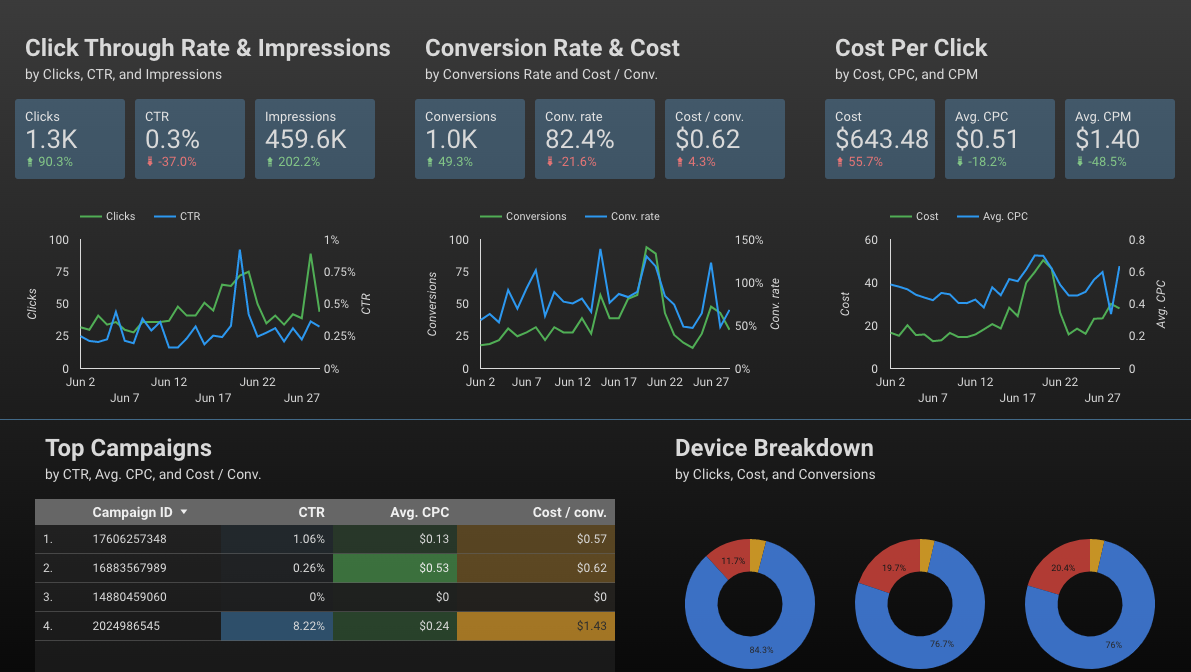
Looker Studio
TLDR
Designed a live survey reporting pipeline, routing data from Hotjar through Zapier into Google Sheets, then visualizing it in Looker Studio to restore and expand insights into user behavior on Dolby.com.
Context
Dolby.com was running a live survey intended to understand the primary tasks users were trying to accomplish when they arrived on the website. The survey had been live for more than 6 months with no real understanding of what the data was saying and no insights being pulled from it. An external agency had initially visualized the survey results in Hotjar, but when that partnership ended the site team no longer had a reliable way to track the incoming responses.
I was asked to design the reporting so the data could be monitored continuously and the team could begin drawing actionable conclusions from what visitors were telling us.
Process
After identifying that the original Hotjar visualization workflow had been broken, I designed a new data pipeline to replace it. I used Zapier to automate the flow of incoming survey responses from Hotjar into a structured Google Sheet, then connected that sheet as a live data source in Looker Studio. This approach allowed the dashboard to update automatically without manual intervention and remained flexible enough to evolve as new questions or insights emerged.
Outcome
The dashboard not only restored visibility into the survey data but expanded it with additional visualizations that highlighted patterns in user intent. The analysis revealed so much valuable information about what Dolby users were trying to accomplish that it directly increased funding for Hotjar, strengthening the internal case for investing in more advanced data capabilities to personalize the website experience.